Teachers
A lesson for your classroom or geography club
Universe scale
All teacher notes · Open the lab
A suggested lesson sequence
Use these stages at your own pace. Pause for students to sketch, compare observations or lead part of the demonstration.
01
Observe
Read the mean Earth–Moon distance and start a light signal.
02
Tinker
Compare physical scale, then jump to 1 AU and to the nearest stellar neighbour.
03
Explain
Explain what a light-travel time tells you about distance. How does changing the display scale affect the comparison?
04
Check
Choose an answer and explain your reasoning. Each question includes feedback.
Rehearse with the model
The same scene and controls as the lab. Load it when you are ready; use Start projector for the full classroom view.
Before the lesson
Compare distances within and beyond the Solar System, using light-travel time to make their scale easier to understand.
Open the model before the lesson and choose a view that makes the important feature easy to see. Drag to rotate, and use the on-screen controls to change one variable at a time. The Controls panel explains the available keyboard shortcuts.
Pause the animation at a useful moment. Ask students what should happen next, then play it to test their explanation.
Guide the demonstration
Read the mean Earth–Moon distance and start a light signal.
Compare physical scale, then jump to 1 AU and to the nearest stellar neighbour.
Discuss a common misconception
“Equal gaps on a logarithmic distance display represent equal physical distances.” On a logarithmic scale, equal displayed intervals represent equal ratios rather than equal additions. Moving one interval might multiply the distance by ten. Read the distance labels and distinguish the size of a displayed object from the much larger separation between objects.
Build the explanation
Distances within the Solar System are commonly measured in astronomical units; distances between stars are more conveniently measured in light-years. Changing scale helps separate an object’s size from its distance away.
Compare physical scale, then jump to 1 AU and to the nearest stellar neighbour.
A logarithmic view makes large ranges readable, but equal screen distances in that view do not represent equal physical distances.
Teaching notes
Define a light-year as a distance before using it to compare objects.
Use the stated measurements rather than the width of a locator symbol to compare stellar sizes.
Explain that the sequence compares scales; it does not show the objects’ actual arrangement in the sky.
Check understanding
Open Check for 3 questions. Ask students to explain their choice before revealing the answer.
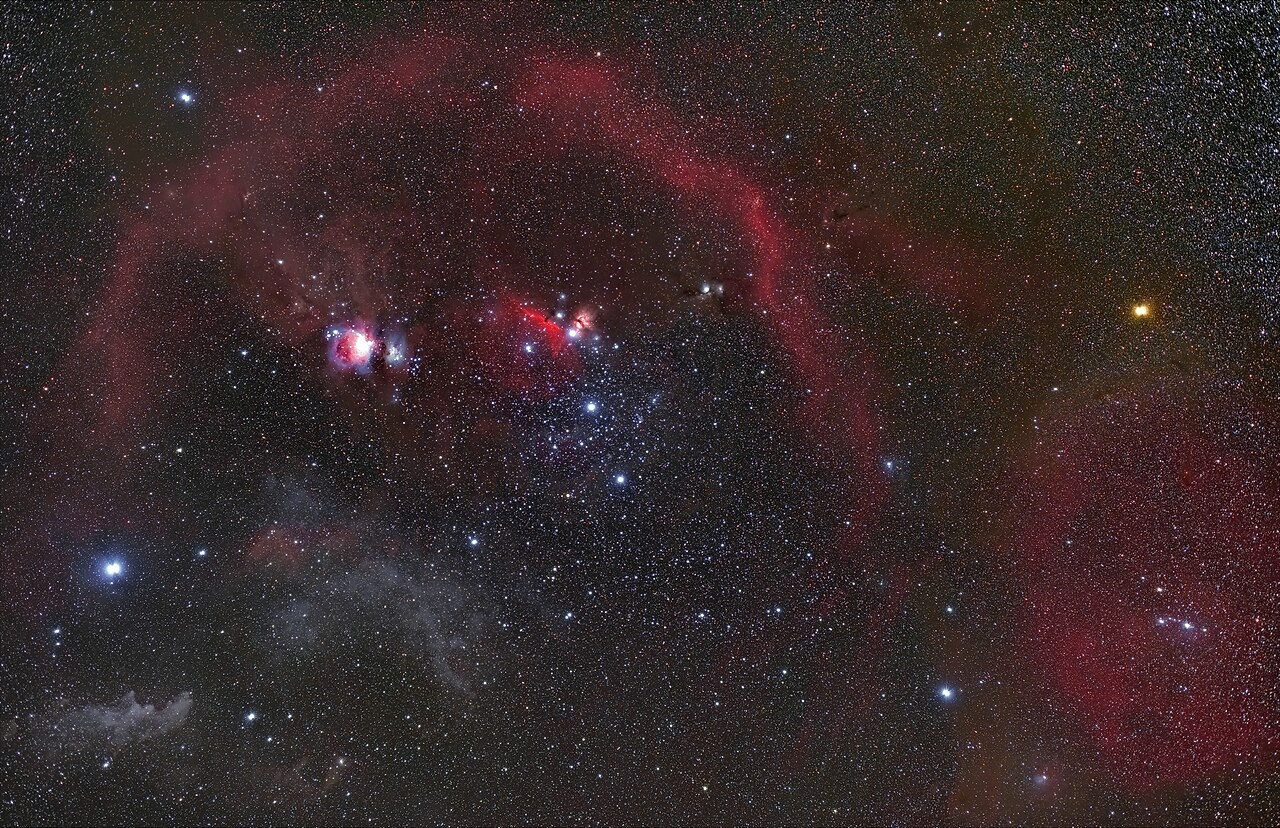
Return to the opening photograph. Ask students to identify one visible feature and explain which part of the model helps account for it.
Look more closely
Use these observations to connect the vocabulary to features students can identify.
Astronomical unit
Parsec